Mitti by SafetyCulture is a frontline operations platform built to help organizations manage daily work across sites, shifts, teams, assets, standards, and compliance requirements. The platform brings inspections, issue reporting, training, task management, communications, document management, asset maintenance, contractor management, investigations, analytics, sensors, IoT, and operational AI into one connected system. Mitti helps teams capture frontline signals, turn checklists into workflows, assign actions, close out issues, and understand performance across the business. Its AI Assistant can create checklists, generate training, and surface information quickly, while AI Issue Capture turns photos or voice notes into actionable issues. The platform supports quality management, compliance, asset maintenance, training, onboarding, insurance, lone worker safety, benchmarking, integrations, and operational reporting. Organizations can use Mitti to digitize inspections, monitor assets, train workers, communicate with teams, track contractor readiness, investigate incidents, and benchmark performance across locations. Its analytics capabilities give leaders a clearer view of what is happening across operations so they can spot trends, reduce risk, and improve outcomes. Mitti is used across industries such as manufacturing, facilities management, hospitality, construction, and retail. By combining frontline workflows, inspections, training, AI, asset management, issue reporting, analytics, communications, and compliance tools, Mitti helps organizations run safer and more efficient operations.
Learn more
UniCourt Enterprise API
The UniCourt Enterprise API delivers real-time state and federal court data via LegalTech’s only API-first platform for business development, litigation strategy, docket management, and more. Unlike legacy providers, UniCourt provides an API-first plug-and-play architecture and leverages highly sophisticated data normalization to deliver the comprehensive and well-structured dataset needed to power the next generation of legal analytics.
Learn more
Liberty Court Recorder
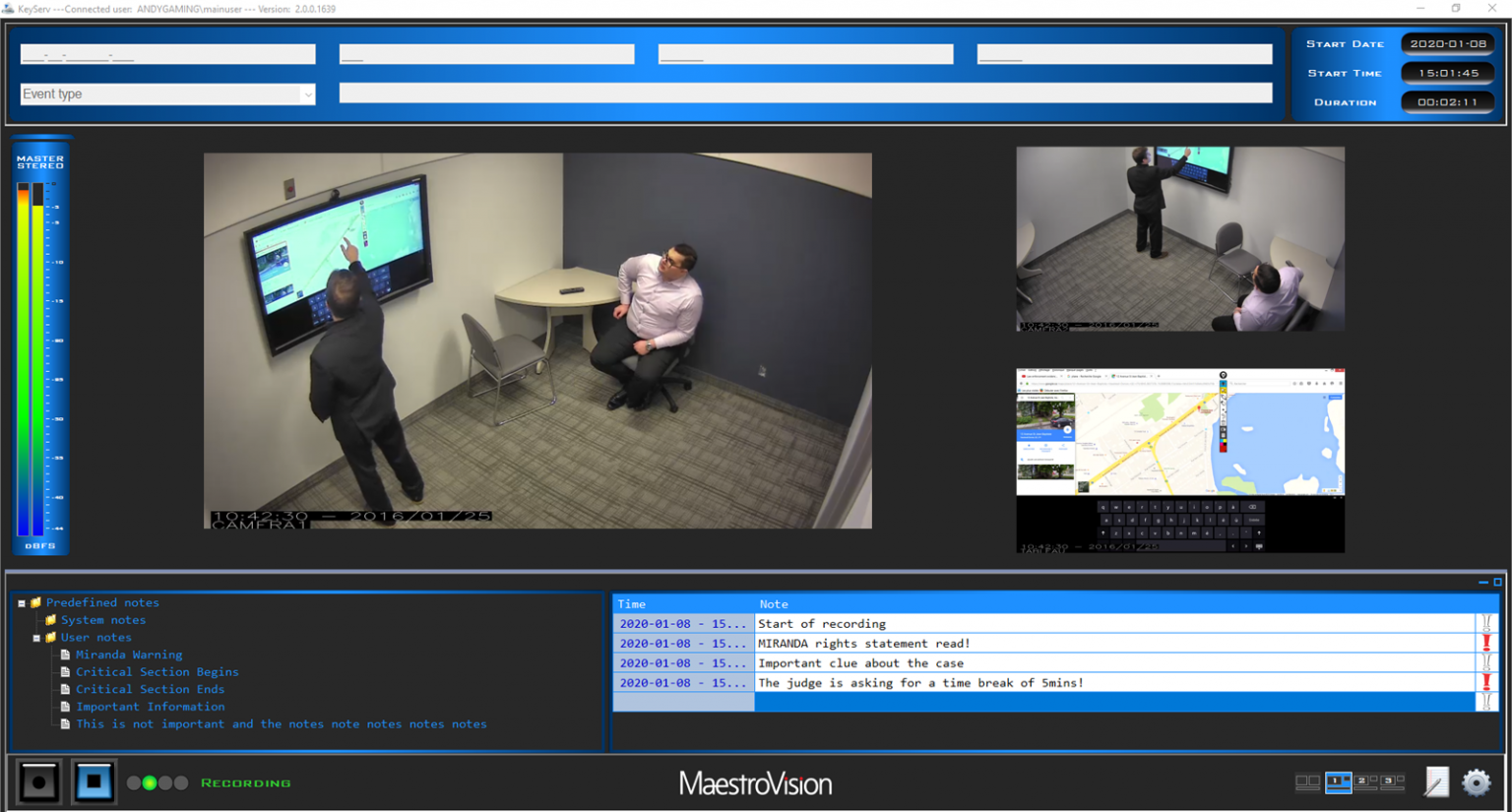
The Liberty Digital Court Recorder is a sophisticated audio and video recording application that operates on standard PCs running the Windows operating system. This innovative solution allows for the recording and playback of multiple audio and video channels simultaneously. Additionally, it provides users with features such as bookmarks and text note capabilities, enabling quick access to specific moments within the recordings and allowing text to be embedded directly into the files. Unlike traditional systems that rely on analog tapes, the Liberty system captures audio and optionally video directly onto the hard drive of a PC, which can be situated either locally or on a remote server within a network. Once the recording is finalized, it can be saved as a PDF, complete with integrated notes, cue points, and any media captured during the session. Furthermore, the recorded content can be transcribed or transferred to other compatible storage devices, and these files can be shared across the network just like any other file type, enhancing accessibility and flexibility for users. This ability to seamlessly manage and distribute recordings makes the Liberty Digital Court Recorder an essential tool for legal professionals.
Learn more