
Average Ratings 531 Ratings
Average Ratings 0 Ratings
Description
PDFCreator is a powerful and versatile tool that enables you to convert any printable document into a PDF, along with various other formats such as JPG and PNG. Whether you're handling text documents, images, or presentations, PDFCreator makes it easy to streamline your workflow.
Key features:
Convert documents from any application to PDF, JPG, PNG, and more with ease.
Merge multiple files into one PDF document, improving organization and accessibility.
Set up automatic saving and create a fully automated PDF printer, saving time and reducing manual work.
Access your most frequently used settings with just one click, making repetitive tasks faster and simpler.
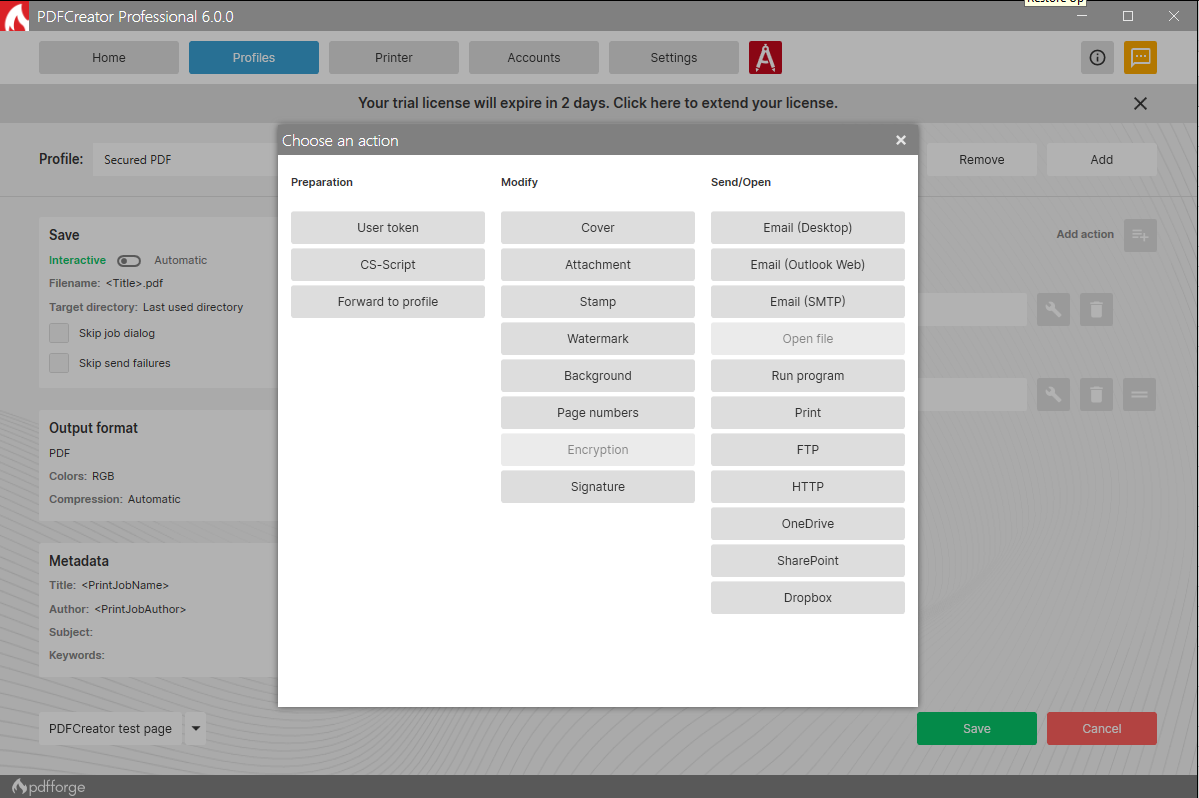
Simplify the process of converting, securing, and organizing your PDFs, with options for digital signatures, password protection, and more.
New in PDFCreator 6.0.0: Document previews to improve file visibility before saving or sharing. A new Delete Token feature to automate page removal. Seamless SharePoint integration for easier team collaboration. Enhanced error feedback for better troubleshooting.
PDFCreator is trusted by countless businesses around the world to handle document conversion and management. We value every client and appreciate their trust in choosing PDFCreator as their go-to PDF solution.
Whether you're a casual user or a business professional, PDFCreator offers a streamlined, flexible, and efficient solution for all your document needs. We thank all our clients for choosing us to be their partner.
Description
Enterprise-level PDF creation and editing can be achieved through server-side workflows compatible with both Windows and Linux, along with a web portal that is accessible on desktops and mobile devices. An adaptable API allows for seamless PDF generation and manipulation from various programming languages, facilitating integration with your organization's existing applications. The diverse range of document formats presents challenges in data interchange, as well as in the ongoing storage and archiving of files, which can impose significant demands on a company's operational procedures. Frequent software updates, varying versions of formats, and the introduction of new file types can lead to escalating costs associated with managing these complexities. By consolidating to a single, central format, organizations can not only lower expenses but also streamline their operational workflows. Thus, many companies aim for the conversion of disparate formats into a uniform and standardized format, ideally accomplished in a centralized, server-based manner to enhance efficiency and reduce overhead. Ultimately, a focus on standardization can lead to more effective document management and improve overall productivity within an enterprise.
API Access
Has API
API Access
Has API



Integrations
Dropbox
Microsoft Outlook
Thunderbird
Pricing Details
$0
Free Trial
Free Version
Pricing Details
No price information available.
Free Trial
Free Version
Deployment
Web-Based
On-Premises
iPhone App
iPad App
Android App
Windows
Mac
Linux
Chromebook
Deployment
Web-Based
On-Premises
iPhone App
iPad App
Android App
Windows
Mac
Linux
Chromebook
Customer Support
Business Hours
Live Rep (24/7)
Online Support
Customer Support
Business Hours
Live Rep (24/7)
Online Support
Types of Training
Training Docs
Webinars
Live Training (Online)
In Person
Types of Training
Training Docs
Webinars
Live Training (Online)
In Person
Vendor Details
Company Name
pdfforge
Founded
2009
Country
Germany
Website
www.pdfforge.org/pdfcreator
Vendor Details
Company Name
webPDF
Website
www.webpdf.de/
Product Features
Annotations
Convert to PDF
Digital Signature
Encryption
Merge / Append
PDF Reader
Watermarking
PDF Editors
Access Controls / Permissions
Annotations
Commenting / Notes
Compare Side-by-Side
Customizable Branding
Delete Pages
Electronic Signature
Forms Management
Full Text Search
Merge / Append
Offline Access
Optical Character Recognition (OCR)
Rearrange Pages
Rotate Pages
Watermarking
Product Features
Annotations
Convert to PDF
Digital Signature
Encryption
Merge / Append
PDF Reader
Watermarking
