Average Ratings 95,967 Ratings
Average Ratings 1 Rating
Description
Easily convert, edit, merge, and compress your PDF files with just a few simple clicks.
You can quickly download your document without any hassle, as our PDF converter generates files in mere seconds!
To ensure the safety of your digital information, we implement HTTPS encryption while you create PDF files on our site.
You can redact PDFs, alter text, insert new elements, and engage in various other tasks, all from a single platform.
Our user-friendly interface is designed for seamless navigation, allowing you to utilize our PDF creator with minimal effort.
Compatible with every major operating system, our online PDF maker functions flawlessly on Windows, Mac OS, Linux, iOS, and Android.
For those who wish to maintain privacy, you have the option to secure your file by locking or restricting access, preventing others from opening, editing, or printing it.
This comprehensive tool simplifies your document management and enhances your productivity.
Description
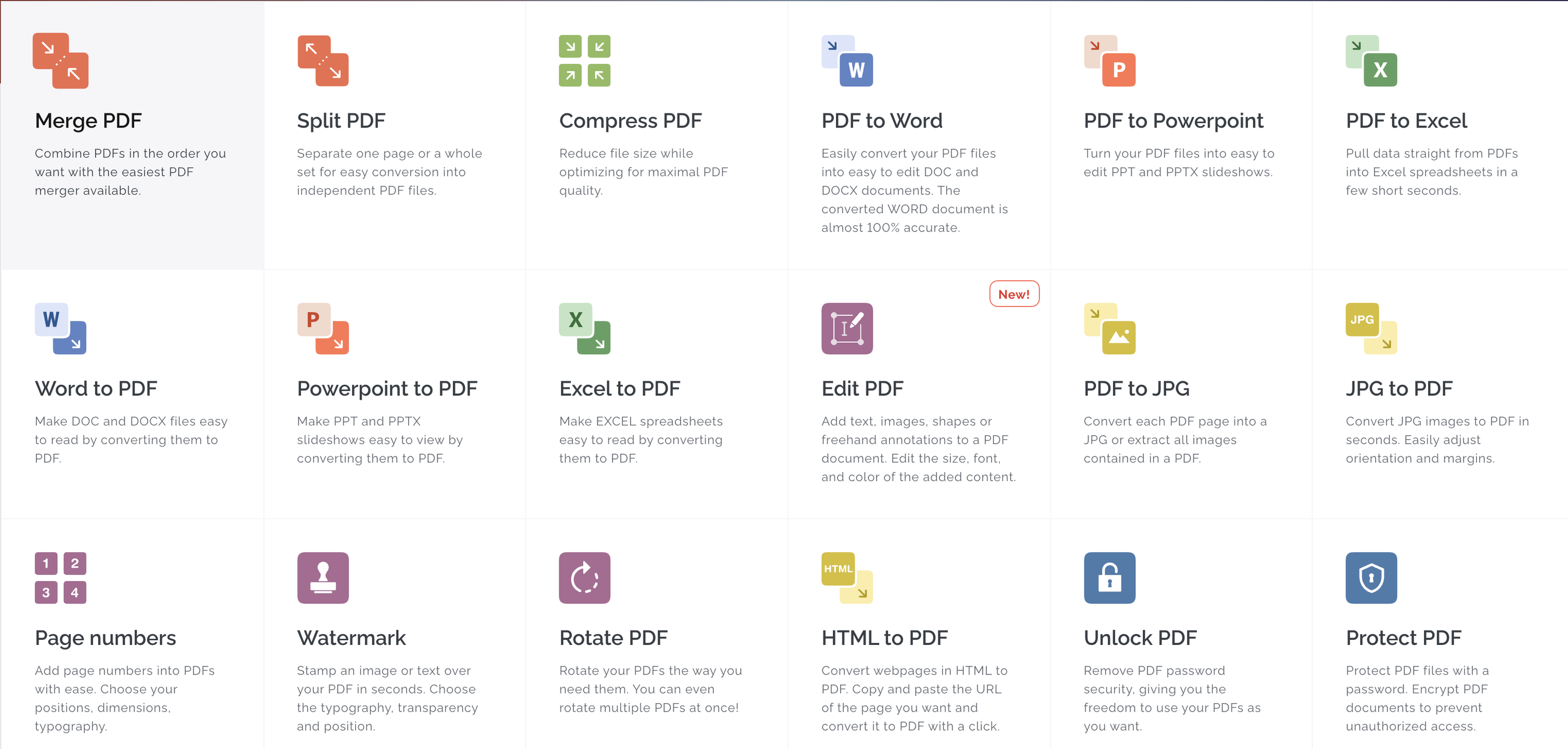
All the tools you need to work with PDFs are in one place. All the tools you need to work with PDFs are at your fingertips. All of them are 100% free and easy to use. With just a few clicks, you can merge, split, compress and convert, rotate, unlock, watermark, and convert PDFs. The easiest PDF merger allows you to combine PDFs in any order you like. You can easily separate pages or entire sets of pages to convert them into PDF files. Optimize for maximum PDF quality while reducing file size. With incredible accuracy, convert PDFs to WORD documents. Convert PDFs to POWERPOINT Sign and certificate PDF documents. Request digital signatures or sign your documents.
API Access
Has API
No
API Access
Has API
Yes

Integrations
Anything
No
Conext
No
Desktop.com
No
Dropbox
No
Google Chrome
No
Google Drive
No
Microsoft Excel
No
Microsoft PowerPoint
No
Microsoft Word
No
Stackreaction
No
Integrations
Anything
Yes
Conext
Yes
Desktop.com
Yes
Dropbox
Yes
Google Chrome
Yes
Google Drive
Yes
Microsoft Excel
Yes
Microsoft PowerPoint
Yes
Microsoft Word
Yes
Stackreaction
Yes
Pricing Details
Free
Free Trial
No
Free Version
Yes
Pricing Details
$7 per month
Or $60 per year
Free Trial
Yes
Free Version
Yes
Deployment
Web-Based
Yes
On-Premises
No
iPhone App
No
iPad App
No
Android App
No
Windows
No
Mac
No
Linux
No
Chromebook
No
Deployment
Web-Based
Yes
On-Premises
No
iPhone App
Yes
iPad App
Yes
Android App
Yes
Windows
Yes
Mac
Yes
Linux
No
Chromebook
No
Customer Support
Business Hours
No
Live Rep (24/7)
No
Online Support
Yes
Customer Support
Business Hours
Yes
Live Rep (24/7)
Yes
Online Support
Yes
Types of Training
Training Docs
Yes
Webinars
No
Live Training (Online)
No
In Person
No
Types of Training
Training Docs
Yes
Webinars
No
Live Training (Online)
Yes
In Person
No
Vendor Details
Company Name
PDF Guru
Website
pdfguru.com
Vendor Details
Company Name
iLovePDF
Founded
2010
Country
Spain
Website
www.ilovepdf.com
Product Features
Annotations
No
Convert to PDF
No
Digital Signature
No
Encryption
No
Merge / Append
No
PDF Reader
No
Watermarking
No
PDF Editors
Access Controls / Permissions
No
Annotations
No
Commenting / Notes
No
Compare Side-by-Side
No
Customizable Branding
No
Delete Pages
No
Electronic Signature
No
Forms Management
No
Full Text Search
No
Merge / Append
No
Offline Access
No
Optical Character Recognition (OCR)
No
Rearrange Pages
No
Rotate Pages
No
Watermarking
No
Product Features
Digital Signature
Audit Trail
Yes
Authentication
Yes
Auto Reminders
Yes
Customizable Templates
Yes
Document Analytics
No
Mobile Signature
Yes
Multi-Party Signing
Yes
Progress Tracking
Yes
Task Progress Tracking
Yes
Annotations
Yes
Convert to PDF
Yes
Digital Signature
Yes
Encryption
Yes
Merge / Append
Yes
PDF Reader
Yes
Watermarking
Yes
PDF Editors
Access Controls / Permissions
No
Annotations
No
Commenting / Notes
No
Compare Side-by-Side
No
Customizable Branding
No
Delete Pages
No
Electronic Signature
No
Forms Management
No
Full Text Search
No
Merge / Append
No
Offline Access
Yes
Optical Character Recognition (OCR)
No
Rearrange Pages
No
Rotate Pages
No
Watermarking
No
