Average Ratings 0 Ratings
Average Ratings 0 Ratings
Similar Products
-
ParasoftParasoft's mission is to provide automated testing solutions and expertise that empower organizations to expedite delivery of safe and reliable software. A powerful unified C and C++ test automation solution for static analysis, unit testing and structural code coverage, Parasoft C/C++test helps satisfy compliance with industry functional safety and security requirements for embedded software systems.
-
MuukTestYou know that you could be testing more to catch bugs earlier, but QA testing can take a lot of time, effort and resources to do it right. MuukTest can get growing engineering teams up to 95% coverage of end-to-end tests in just 3 months. Our QA experts create, manage, maintain, and update E2E tests on the MuukTest Platform for your web, API, and mobile apps at record speed. We begin exploratory and negative tests after achieving 100% regression coverage within 8 weeks to uncover bugs and increase coverage. The time you spend on development is reduced by managing your testing frameworks, scripts, libraries and maintenance. We also proactively identify flaky tests and false test results to ensure the accuracy of your tests. Early and frequent testing allows you to detect errors in the early stages your development lifecycle. This reduces the burden of technical debt later on.
-
QA WolfQA Wolf helps engineering teams achieve 80% automated test coverage end-to-end in just four months. Here's an overview of what you get in the box, whether it's 100 or 100,000 tests. • Automated end-to-end testing for 80% of the user flows in 4 months. The tests are written in Playwright, an open-source tool (no vendor lock-in; you own the code). • Test matrix and outline in the AAA framework. • Unlimited parallel testing on any environment of your choice. • We host and maintain 100% parallel-run infrastructure. • Maintenance of flaky and broken test for 24 hours. • Guaranteed 100% reliable results -- zero flakes. • Human-verified bugs sent via your messaging app as a bug report. • CI/CD Integration with your deployment pipelines and issue trackers. • Access to full-time QA Engineers at QA Wolf 24 hours a day.
-
TrustInSoft AnalyzerTrustInSoft commercializes a source code analyzer called TrustInSoft Analyzer, which analyzes C and C++ code and mathematically guarantees the absence of defects, immunity of software components to the most common security flaws, and compliance with a specification. The technology is recognized by U.S. federal agency the National Institute of Standards and Technology (NIST), and was the first in the world to meet NIST’s SATE V Ockham Criteria for high quality software. The key differentiator for TrustInSoft Analyzer is its use of mathematical approaches called formal methods, which allow for an exhaustive analysis to find all the vulnerabilities or runtime errors and only raises true alarms. Companies who use TrustInSoft Analyzer reduce their verification costs by 4, efforts in bug detection by 40, and obtain an irrefutable proof that their software is safe and secure. The experts at TrustInSoft can also assist clients in training, support and additional services.
-
Orca SecurityOrca Security is the pioneer of agentless cloud security that is trusted by hundreds of enterprises globally. Orca makes cloud security possible for enterprises moving to and scaling in the cloud with its patented SideScanning™ technology and Unified Data Model. The Orca Cloud Security Platform delivers the world's most comprehensive coverage and visibility of risks across AWS, Azure, Google Cloud and Kubernetes.
-
Checksum.aiEngineering teams shipping with AI have a new bottleneck: validation. Code output has accelerated. Quality hasn't. Checksum closes the gap. Checksum is a continuous quality platform with a suite of AI agents that handle testing end-to-end, at every stage of the development lifecycle. Where most tools wait for a human to trigger them, Checksum runs autonomously in the background, generating tests, executing them, and repairing failures without manual intervention. Seventy percent of test failures are resolved automatically through real-time auto-recovery. The platform covers every layer: end-to-end UI flows via Playwright, API endpoint chains, and targeted CI tests scoped to exactly what changed in a PR. All tests land as real code in your repository and are delivered as standard Playwright, owned by your team. Checksum is fine-tuned on 1.5+ million test runs and integrates natively with Cursor, Claude Code, and 100+ AI coding agents. Type /checksum and your coding agent's output gets tested before it ever reaches review. Generation and healing happen on Checksum's cloud infrastructure which means no LLM tokens consumed, no local resources required. The result: test suites that stay green as the product evolves, fewer regressions reaching production, and release confidence that scales alongside AI output.
-
Virtuoso QAVirtuoso QA is an AI-native test automation solution built to streamline and scale enterprise quality assurance processes. It allows users to author tests in natural language, making it accessible for both technical and non-technical team members. The platform leverages self-healing AI to automatically adapt to changes in applications, reducing test flakiness and maintenance overhead. With features like live authoring, real-time execution, and automated diagnostics, teams can quickly identify and resolve issues. Virtuoso QA supports continuous testing across multiple browsers, devices, and environments, ensuring comprehensive test coverage. It integrates seamlessly with popular tools such as Jira, Jenkins, Azure DevOps, and BrowserStack, enabling smooth CI/CD workflows. The platform also provides detailed analytics and dashboards to track performance and optimize testing strategies. By automating test generation and execution, it significantly reduces manual effort and accelerates release cycles. Virtuoso QA empowers organizations to deliver high-quality software faster and more reliably.
-
AdmiralAdmiral is the top adblock recovery platform for publishers, helping recover millions of dollars in advertising revenue lost to adblockers, privacy tools, DNS filtering, VPNs, network-level blocking, and other forms of monetization disruption. Trusted by thousands of publishers and backed by more than a decade of expertise, Admiral pioneered Full Spectrum Adblock Recovery—combining multiple recovery approaches to maximize total adblock revenue. As the creator of Visitor Relationship Management (VRM), Admiral extends beyond ad recovery to help publishers recover and grow revenue through subscriptions, registrations, consent management, first-party data, email acquisition, social audience growth, donations, and other visitor monetization strategies. By combining recovery and revenue-growth approaches in one platform, Admiral helps publishers reduce revenue leakage, increase visitor lifetime value, and maximize monetization across the audience lifecycle. Admiral VRM delivers: * Industry-leading Full Spectrum Adblock Recovery * Paid subscriptions, paywalls, and donation campaigns * Visitor Copilot conversational AI for engagement and revenue growth * Registration walls, user accounts, and first-party data * Email, social audience, and app growth * GDPR and CCPA consent management Admiral also provides analytics, journey shaping, visitor segmentation, targeting, testing, and optimization. Publishers can add Admiral's free tag in minutes for immediate visibility into adblock rates and revenue recovery potential.
-
Astra PentestAstra's Pentest is a comprehensive solution for penetration testing. It includes an intelligent vulnerability scanner and in-depth manual pentesting. The automated scanner performs 10000+ security checks, including security checks for all CVEs listed in the OWASP top 10 and SANS 25. It also conducts all required tests to comply with ISO 27001 and HIPAA. Astra provides an interactive pentest dashboard which allows users to visualize vulnerability analysis, assign vulnerabilities to team members, collaborate with security experts, and to collaborate with security experts. The integrations with CI/CD platforms and Jira are also available if users don't wish to return to the dashboard each time they want to use it or assign a vulnerability for a team member.
-
kama.aikama.ai is a Responsible AI Agent platform that gives you an accurate, accountable, and safe AI for your organization. It is used for training, quick source of truth for compliance issues, internal support, customer service, and for specialized communities needs. Unlike generic GenAI tools that create answers probabilistically, kama.ai combines deterministic Knowledge Graph AI with governed Generative AI and Trusted Collections. Trusted Collections is a RAG technology that minimizes generative side hallucinations, while providing a core source for accurate, brand-safe, and a correct information source for AI answers. It lets organizations control what their AI Agents know, where answers come from, and how information is delivered to employees, customers, learners, members, or community users. kama.ai’s platform is designed for situations where answers must be accurate, traceable, brand-safe, and aligned with approved source material. Human experts and Knowledge Managers can curate content, review AI-generated drafts, manage knowledge domains, and improve responses over time. This supports a governed-in-advance approach to AI, rather than relying on after-the-fact correction. kama.ai is especially well suited for knowledge-heavy organizations, training programs, compliance environments, Indigenous and community-focused initiatives, HR support, education, research, and other use cases where trusted information matters. This platform focused on Responsible AI use and delivery, results in safer AI adoption, better knowledge access, reduced repetitive workload, and more consistent support for the people who rely on your organization’s expertise. Think kama.ai for trusted AI, governed knowledge, and answers your organization is willing to stand behind.
Description
Coverlet functions with the .NET Framework on Windows and with .NET Core across all compatible platforms. It provides coverage specifically for deterministic builds. Currently, the existing solution is less than ideal and requires a workaround. For those who wish to view Coverlet's output within Visual Studio while coding, various add-ins are available depending on the platform in use. Additionally, Coverlet seamlessly connects with the build system to execute code coverage post-testing. Activating code coverage is straightforward; you simply need to set the CollectCoverage property to true. To use the Coverlet tool, you must indicate the path to the assembly housing the unit tests. Furthermore, you are required to define both the test runner and the associated arguments by utilizing the --target and --targetargs options. It's crucial that the invocation of the test runner with these arguments does not necessitate recompiling the unit test assembly, as this would prevent the generation of coverage results. Proper configuration and understanding of these aspects will ensure a smoother experience when using Coverlet for code coverage.
Description
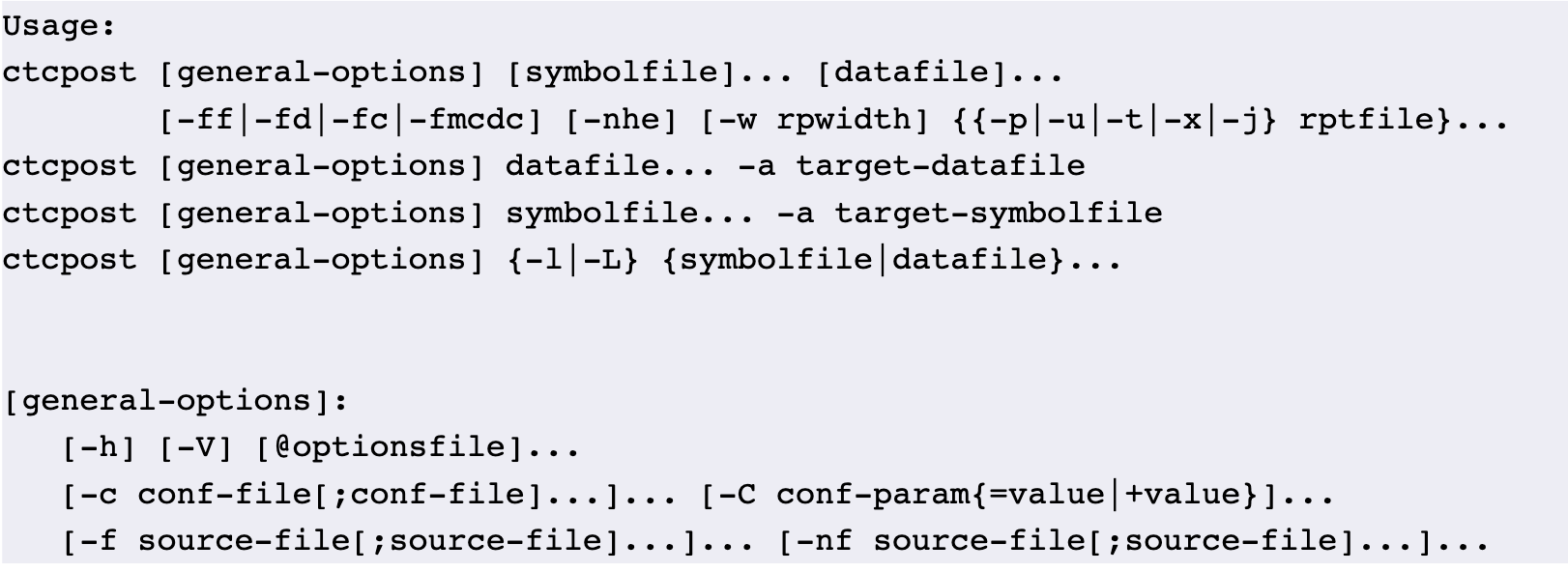
Testwell CTC++ is an advanced tool that focuses on instrumentation-based code coverage and dynamic analysis specifically for C and C++ programming languages. By incorporating additional components, it can also extend its functionality to languages such as C#, Java, and Objective-C. Moreover, with further add-ons, CTC++ is capable of analyzing code on a wide range of embedded target machines, including those with very limited resources, such as minimal memory and lacking an operating system. This tool offers various coverage metrics, including Line Coverage, Statement Coverage, Function Coverage, Decision Coverage, Multicondition Coverage, Modified Condition/Decision Coverage (MC/DC), and Condition Coverage. As a dynamic analysis tool, it provides detailed execution counters, indicating how many times each part of the code is executed, which goes beyond simple executed/not executed data. Additionally, users can utilize CTC++ to assess function execution costs, typically in terms of time taken, and to activate tracing for function entry and exit during testing phases. The user-friendly interface of CTC++ makes it accessible for developers seeking efficient analysis solutions. Its versatility and comprehensive features make it a valuable asset for both small and large projects.
API Access
Has API
No
API Access
Has API
No


Integrations
Codecov
Yes
Visual Studio
Yes
.NET
Yes
C
No
C#
No
C++
No
HTML
No
JSON
No
Java
No
JavaScript
No
Integrations
Codecov
Yes
Visual Studio
Yes
.NET
No
C
Yes
C#
Yes
C++
Yes
HTML
Yes
JSON
Yes
Java
Yes
JavaScript
Yes
Pricing Details
Free
Free Trial
No
Free Version
Yes
Pricing Details
Free
Free Trial
No
Free Version
Yes
Deployment
Web-Based
No
On-Premises
No
iPhone App
No
iPad App
No
Android App
No
Windows
Yes
Mac
Yes
Linux
Yes
Chromebook
No
Deployment
Web-Based
No
On-Premises
No
iPhone App
No
iPad App
No
Android App
No
Windows
Yes
Mac
Yes
Linux
Yes
Chromebook
No
Customer Support
Business Hours
No
Live Rep (24/7)
No
Online Support
Yes
Customer Support
Business Hours
No
Live Rep (24/7)
No
Online Support
Yes
Types of Training
Training Docs
Yes
Webinars
No
Live Training (Online)
No
In Person
No
Types of Training
Training Docs
No
Webinars
No
Live Training (Online)
No
In Person
No
Vendor Details
Company Name
Coverlet
Website
github.com/coverlet-coverage/coverlet
Vendor Details
Company Name
Testwell
Website
www.testwell.fi/ctcdesc.html
